A bakery POS system for the counter you run today
Breads, viennoiserie, slices, whole cakes and the coffee beside them, each with its own choices, its own note and its own clock. Platevio runs in a browser on a phone or tablet you already own, and every device in the shop sees the same case at the same moment.
A bakery sells a case, not a table of courses
A restaurant sells a meal to a table in courses that arrive together. A bakery sells a case, one unit at a time, to a queue that wants to be gone in forty seconds: two croissants, a loaf and a coffee, rung up while the next person is already pointing. The case empties unevenly through the morning, so the menu has to change while the queue is standing there — the last almond croissant gone from every screen the moment the tray is bare, the second batch back on when it comes out. One sale is often several physical things that finish at different moments, a whole cake with somebody’s name on it, and two people who each want to pay for what they came in for. A café page is about the drink surviving the walk to the bar. This page is about the case, and Platevio is built for exactly that counter.
One bakery sale is six separate things that are not ready together
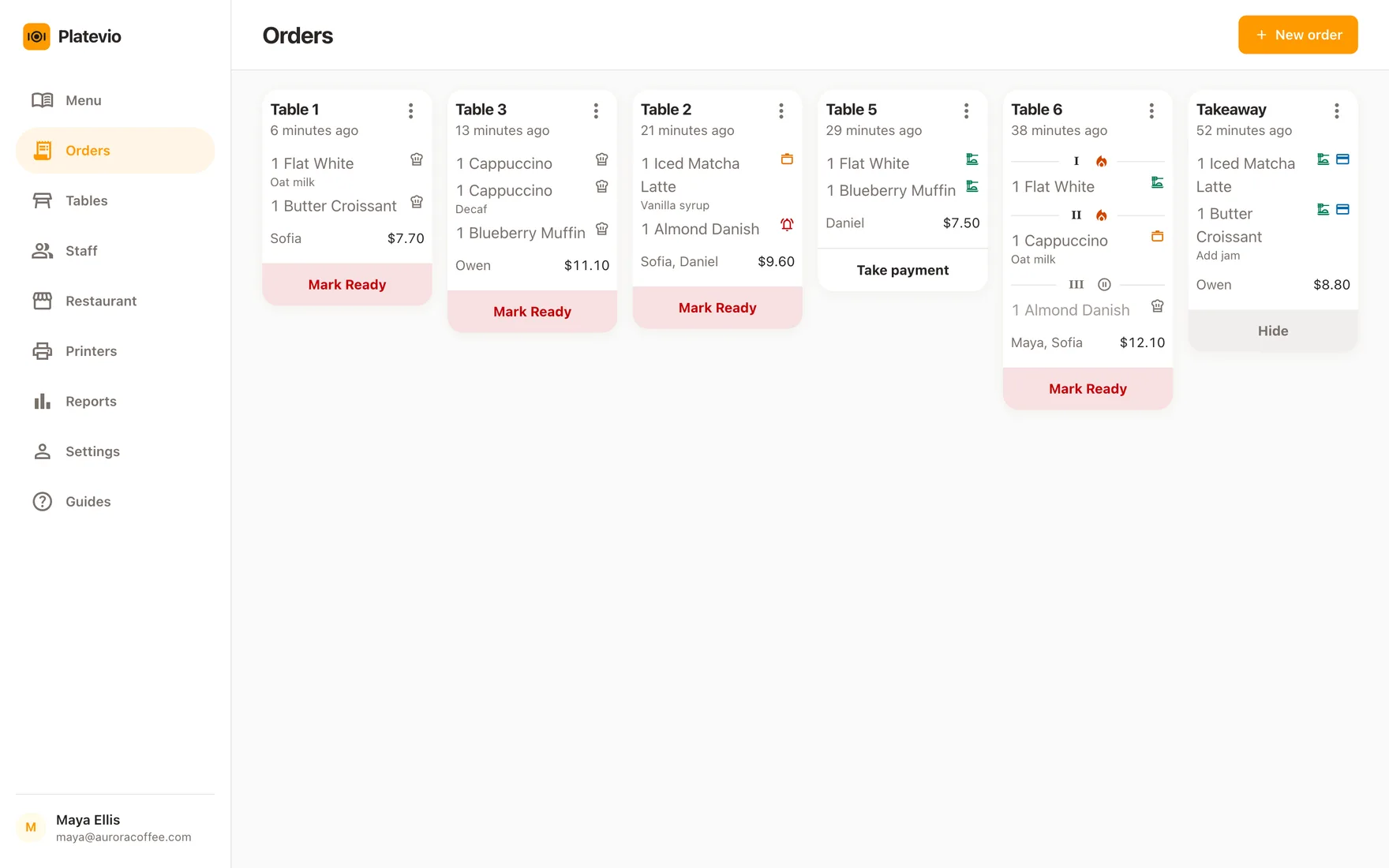
A single order across the counter is a box of six pastries, a loaf that needs slicing, a savoury going in the oven for four minutes, a whole cake with a name on it, and two coffees — bought at once, finished at five different moments, and quite possibly paid for by two people who are splitting it by what they came in for. A till that treats that as one line called *six items* is throwing away the only information anybody at the back needs. Platevio holds each physical unit separately: its own choices, its own note, its own state as it moves from ordered to preparing to ready to served, and its own settlement. So the boxed pastries can be handed over while the savoury is still warming, and the person paying only for the cake pays only for the cake.
What Platevio gives a bakery counter
Seven things, all of them about a case that changes and an order that does not finish at once.
-
A menu that keeps up with the case
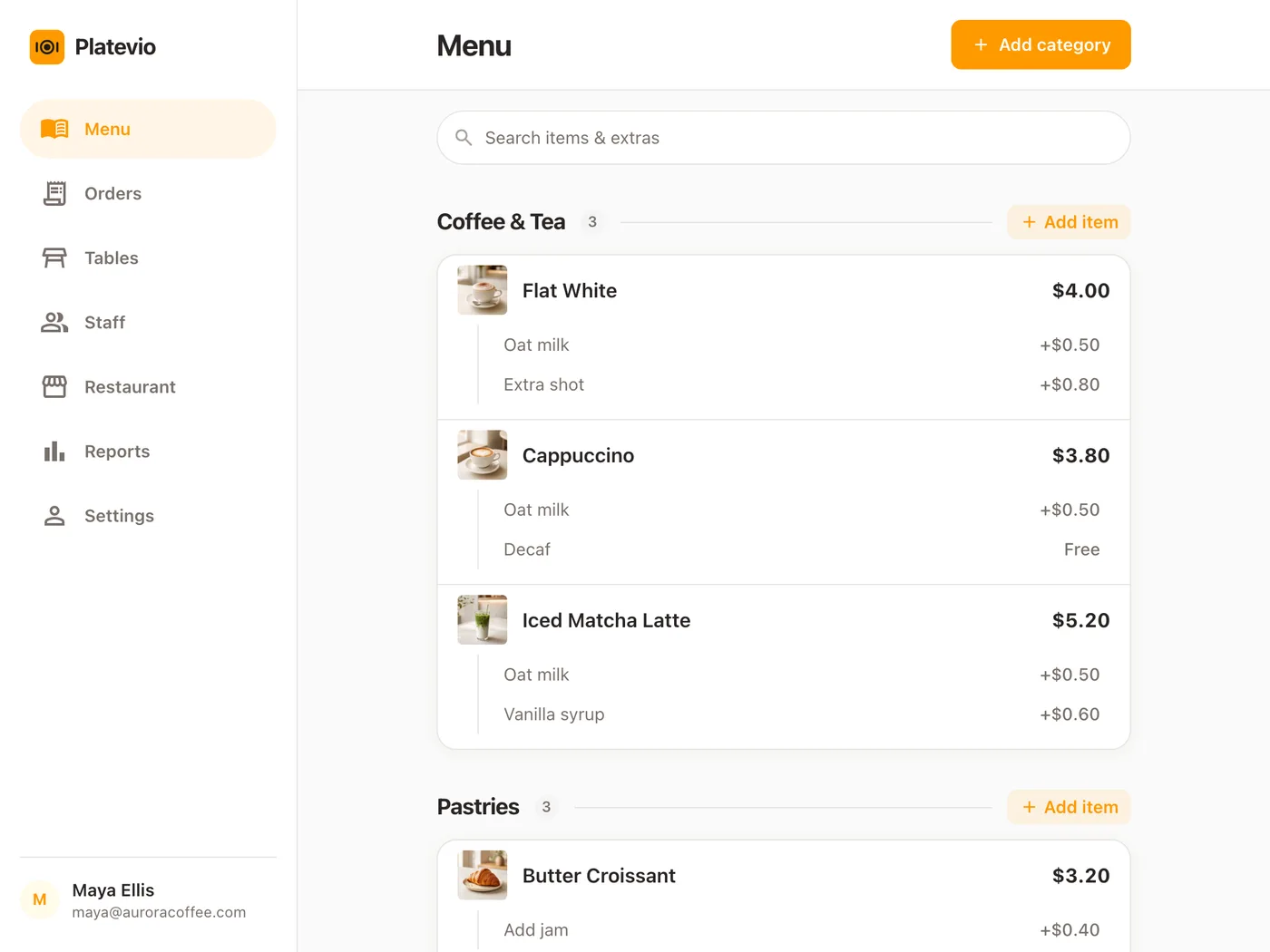
Breads, viennoiserie, slices, whole cakes, savouries, drinks, whatever your categories are, each item with its price and a line of description. Add the seasonal thing in the morning, and when the tray is bare flip the item off *Available to order* from the same tablet you sell on — every other device drops it without anybody reloading, and flips it back the moment the next batch is out. Give an item a photo and it sits beside the name on the till and on the shop’s Website, so whoever started this week picks the right pastry by sight.
-
The message on the cake, on the cake
"Happy birthday, Maya." "Not sliced." "Nut allergy — separate bag." A note sits on the single unit it is about, not on the order and not in the head of whoever took it, so it is still attached when that unit reaches the person decorating it, slicing it or bagging it. Priced choices are extras on the same unit, and they add themselves to the bill.
-
Every unit on its own clock
Each physical unit moves through ordered, preparing, ready and served by itself. A four-item order does not have to pretend everything is finished because the first box is. Mark something ready too early and you can walk it back to preparing, and a unit cancelled by mistake can be put back on the ladder.
-
Two people splitting one counter order
Settle the whole order, or just the items one of them is covering, and say how — cash, card, cheque, meal voucher, or a method you named yourself. The rest of the order stays open. The card itself goes through the reader you already have, so no percentage of it comes to us.
-
Today’s price stays on today’s order
The name and the price of an item and of every extra are copied onto the order at the moment it is sold. Reprice the loaf tomorrow and nothing reaches back into a sale that is still open on the counter, or into what you already handed over.
-
Your own devices, and a login each
A phone, a tablet or a laptop with a current browser. Adding a screen at the back for whoever is packing costs whatever the device costs, because it is a web address rather than a station bought from us. Staff sign in as themselves as owner, administrator, manager, waiter or cook, so the person at the till and the person at the oven each see the job they came in for rather than sharing a counter password.
-
Receipts and tickets, on the printer already in the shop
Platevio prints to thermal printers over WiFi, Ethernet, USB and Bluetooth — ESC/POS and Star Micronics, which is nearly every counter printer sold. None of it has to be bought from us: keep the printer by the till and drive it from the same phone, tablet or laptop the order was taken on.
One counter order, case to bag
A Saturday at twenty past nine, with the second batch just out and a queue to the door.
-
09:20
The sale goes in at the counter
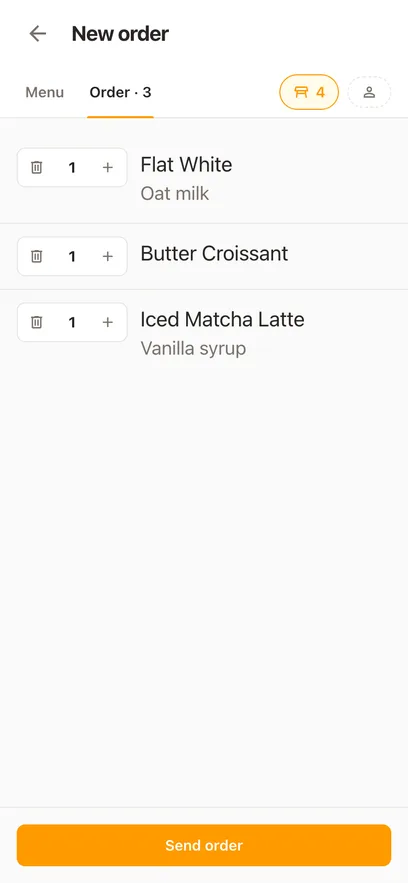
Six pastries boxed, a sourdough with a note saying not sliced, a spinach roll to warm, and two flat whites. Sent as one order.
-
09:21
The back reads it, notes and all
The screen by the oven picks it up as it is sent. The roll and the coffees start moving; the loaf carries its note, so nobody puts it through the slicer out of habit.
-
09:22
The box is ready before the roll
The pastries and the loaf go to ready on their own while the roll is still warming, so the counter can hand over most of the order and say what is left rather than guessing.
-
09:24
It is settled, and by whom
One of them pays for the coffees and the roll on a card; the other takes the box and the loaf on cash. Both are recorded against the exact items, and the order closes when the last one is settled.
How to choose a bakery POS system
Demo the hardest counter order, not the loaf. Ring a box of six, a cake with a message, a savoury to warm and two coffees as one sale; mark the box ready while the savoury is still in the oven; let two people pay for their own halves; then sell the last almond croissant and watch whether the other screens know. Do it with a real queue behind you and see whether any of it slowed the everyday sale down.
- Can the counter mark one item sold out and have every other screen drop it at once?
- Does a note on a cake stay on that cake all the way to whoever is decorating it?
- Can each unit of one order be marked ready on its own, and marked back if somebody tapped too early?
- Can two people pay for their own items on one order, each by a different method?
- Does a ticket print to the printer already by the oven, and a receipt to the one by the till?
- Can the owner see today’s sales, what is still unpaid and what came in by cash or card, from a phone?
- Which of the processing, hardware and online-order fees sit outside the headline price?
Bakery POS questions
- What is a bakery POS system?
- A bakery POS system is the software a bakery sells through, plus whatever it runs on. It enters counter orders, handles the choices and the note on a product, moves each unit through preparation, records how it was paid and reports what sold. Platevio does all of that from a browser, on the phones and tablets already in the shop, for free.
- Can Platevio handle bakery counter orders?
- Yes, and that is the part it is built for. Ring each product, add its priced extras and a note where one is needed, move each unit through preparation on its own, and record how it was settled — including one guest paying for only some of the items. An order does not need a table, so a counter never has to invent a floor plan, and a bakery café can still put an order on a table when guests sit down.
- Can I mark a pastry sold out when the tray is empty?
- Yes. Every item has an *Available to order* switch. Flip it off from the tablet you sell on and the item leaves every other device in the shop at once; flip it back on when the next batch comes out of the oven. The item keeps its price, its extras and its place in the menu the whole time.
- Can Platevio show me what the bakery sold today?
- Yes. Reports show sales, the number of orders, what is still unpaid and what came in by each payment method — cash, card, cheque, meal voucher or your own — for a day, a week or a month. A business day runs from six in the morning to six the next, so an early bake and a late close land on the same day, and every number opens into the checks behind it.
- Is Platevio a bakery management system?
- Platevio manages the sale, which is the half of a bakery that happens across the counter: the menu and what is on it right now, the order and the note on the cake, each unit reaching ready on its own, the ticket at the oven and the receipt at the till, which of the items each person paid for, and what the day came to. It does that from a browser on the devices already in the shop, with a login for each member of staff and no fee for any of it.
- Can each member of staff have their own login?
- Yes. Every person signs in as themselves, as owner, administrator, manager, waiter or cook, so the till and the oven each see the job they are doing and nobody shares a counter password. The app speaks 26 languages, so a team that does not share one can still share one system.
- Is this the same as the café POS page?
- No, and the difference is worth knowing before you pick one. The café page is about the morning rush and drink modifiers — the milk, the shot and the syrup surviving the walk to the bar. This one is about a counter of separate physical things that finish at different times and are often paid for by more than one person. A bakery café has both problems, and it is one Platevio account either way.
- What hardware does a bakery need for Platevio?
- A phone, a tablet or a laptop with a current browser. That is the whole list for the POS itself. Keep the card reader you already have, because Platevio records how an order was settled and never processes the card. Receipts and kitchen tickets print to a thermal printer of your own, over WiFi, Ethernet, USB or Bluetooth.
- How much does a bakery POS system cost?
- Compare the whole bill: software per station, terminals, card processing, add-on modules and whatever is charged for a second screen or a second location. Platevio is free to use — no card, no plan, no fee per device, screen or login — and it runs on devices you already own. The card reader stays the one you have, so processing stays whatever your reader charges.
Open your restaurant tonight
It takes a minute: your restaurant, your first menu, and you are taking orders.